Editorial checkpoints
Analysis is organized around transcript and visual review, chapter markers and key moments rather than a single undifferentiated AI result.
The edit begins before the timeline.
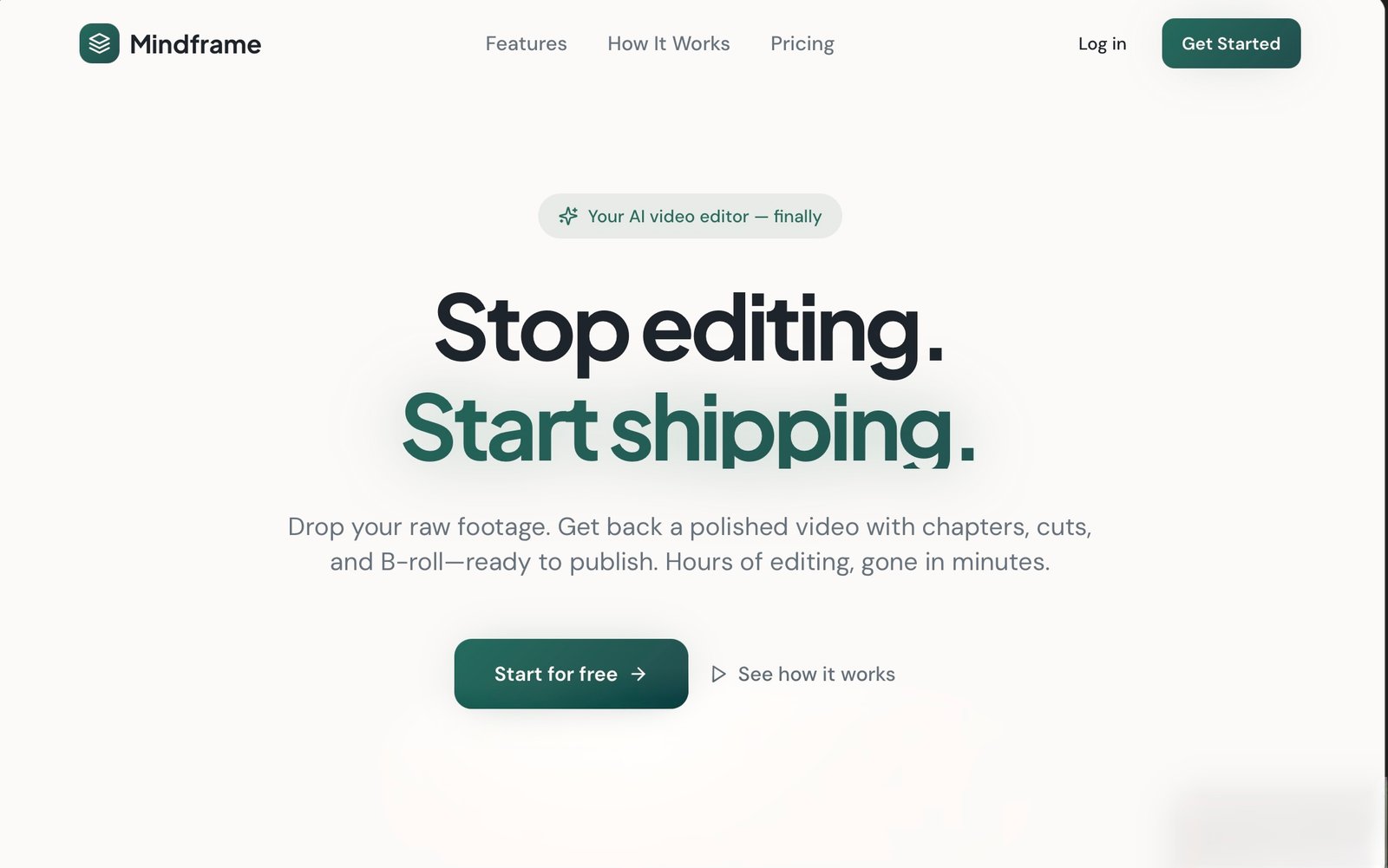
Screenshot of the project website
Mindframe is a video production workspace that moves from upload and AI analysis to editorial choices, rendering and approval. It is designed for creators who need a coherent workflow across both creative and processing steps.
I designed the product journey and directed a functioning AI-assisted prototype, defining what the system should surface at each editorial decision.
The workflow separates media intake, AI-supported analysis, human editorial choice and final rendering. Each stage has its own state so a creator can understand what the system has done and what decision is theirs next.
Bring footage into a project
Visual and transcript review identify useful material
Work modes, chapters and key moments support editing choices
Processing states make output progress legible
Review the result and continue the editorial loop
The details that make the experience or workflow work in practice.
Analysis is organized around transcript and visual review, chapter markers and key moments rather than a single undifferentiated AI result.
The prototype gives upload, analysis and rendering clear states, making a multi-step job easier to follow.
A final review and approval stage keeps the creator in the decision loop.
Gemini vision supports visual analysis in the prototype.
AI analysis informs editorial decisions; the workflow still presents explicit review and approval steps.
The thinking behind the architecture and product experience.
Markers and moments are more useful when a creator can inspect them within the video workflow.
Upload, analysis and rendering take time; distinct states make the next action clearer.
Video creation spans media, AI analysis, creative judgment and rendering. I broke the journey into explicit stages and decisions, then refined the prototype when the underlying logic did not match the intended flow.
Functioning prototype with the core end-to-end video workflow represented.
A prototype walkthrough and product material are available on request.
Request a walkthrough